netsuite, Rails, Ruby / 03.08.2015
Hey guys how's it going?
Why Netsuite does not publish the available operators for searching and makes our lives easier? well I don't know but today I'm going to share with you how to search custom records by a custom field within Netsuite in my case for instance: I want to search all the Sales order that have an empty custom field you know a custom field is not a default field within the Netsuite Schema and my custom field is called: 'custbody_order_number', so based in that this is the code I have created:
Btw I'm using for that this gem: https://github.com/NetSweet/netsuite
Searching all type of sale orders records that do not have a empty custom field
[ruby]
def search_empty_sales_order_number
[
{
field: 'customFieldList',
value: [{
field: 'custbody_order_number',
type: 'SearchStringCustomField',
operator: 'empty'
}]
}
]
end
search_result = NetSuite::Records::SalesOrder.search(
criteria: {
basic: search_empty_sales_order_number
}
)
search_result.results
[/ruby]
searching only "salesOrder" types that do not have a empty custom field
[ruby]
def search_empty_sales_order_number
[
{
field: 'customFieldList',
value: [{
field: 'custbody_order_number',
type: 'SearchStringCustomField',
operator: 'empty'
}]
},
{
field: 'type',
operator: 'anyOf',
type: 'SearchEnumMultiSelectField',
value: ['_salesOrder']
}
]
end
search_result = NetSuite::Records::SalesOrder.search(
criteria: {
basic: search_empty_sales_order_number
}
)
[/ruby]
Searching by multiple custom fields
[ruby]
def search_empty_tracking_link_fullfilments
[
{
field: 'customFieldList',
value: [{
field: 'custom_tracking_number',
type: 'SearchStringCustomField',
operator: 'notEmpty'
},
{
field: 'custom_transaction_id',
type: 'SearchStringCustomField',
operator: 'empty'
}
]
},
{
field: 'type',
operator: 'anyOf',
type: 'SearchEnumMultiSelectField',
value: ['_itemFulfillment']
}
]
end
search_result = NetSuite::Records::ItemFulfillment.search(
criteria: {
basic: search_empty_tracking_link_fullfilments
}
)
search_result.results
[/ruby]



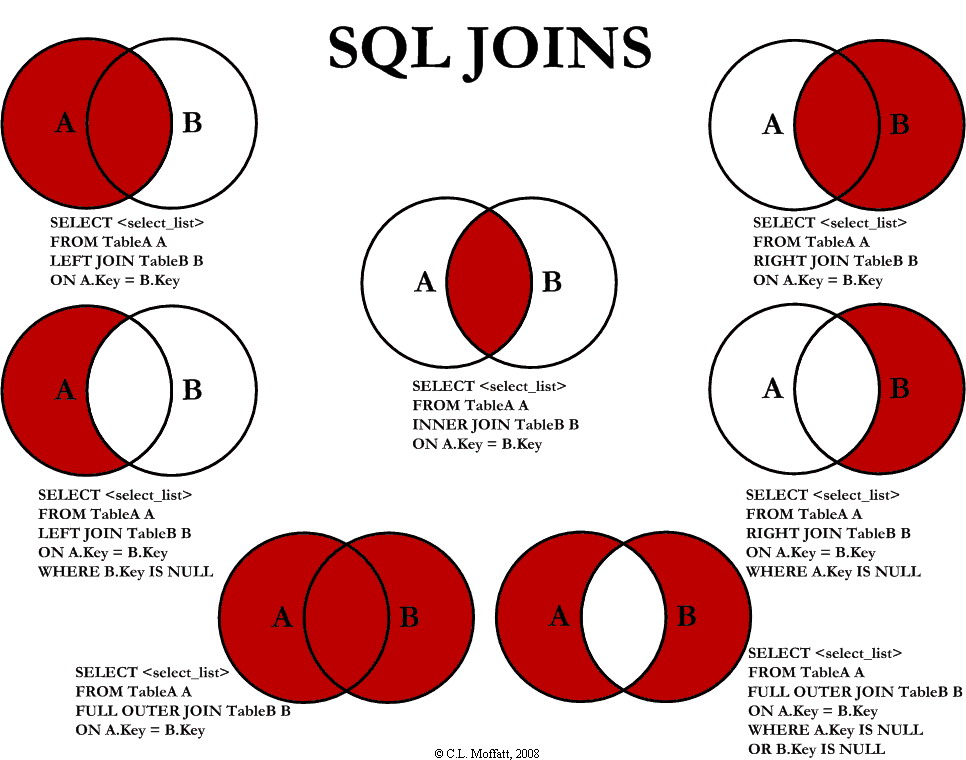 If you want to retrieve all the orders that contain more than 2 shipments (Using Spree models)
[rails]
# this is using inner joins buy default from rails
Spree::Order.joins(:shipments).group("spree_shipments.order_id").having("count(spree_shipments.id) > 2")
[/rails]
If you want to retrieve all the orders that contain more than 2 shipments (Using Spree models)
[rails]
# this is using inner joins buy default from rails
Spree::Order.joins(:shipments).group("spree_shipments.order_id").having("count(spree_shipments.id) > 2")
[/rails]